The CSV Editor That Never Corrupts Your Data.
Edit cells with 100% plain-text accuracy: phone numbers, postal codes, dates, and IDs stay intact—no unwanted type conversions, no surprises. Preview multi-gigabyte files in milliseconds and cleanup data in a single click for your workflow.
"02138" stays "02138". Zero silent type-casting accidentsStop Letting Spreadsheets Silently Destroy Your CSVs
Traditional spreadsheets guess data types the moment you open a file—destroying database keys, postal codes, dates, and phone numbers before you even press save. NanoCell treats CSV for what it is: structured verbatim text.
| Data Type | Raw CSV Value | ❌ Standard Spreadsheets (On Open & Save) | ✅ NanoCell Verbatim Engine |
|---|---|---|---|
| Postal / ZIP Codes | "02138" | 2138 Strips leading zero as integer; breaks address validation | 02138 Preserved character-for-character |
| International Phones | "+41 79 123 45 67" | #NAME? or 41791234567 Interprets leading '+' as a broken formula or number | +41 79 123 45 67 Never evaluates '+' or '-' as formulas |
| ISO & Regional Dates | "2026-03-04" | 3/4/26 or 04/03/2026 Rewrites ISO dates to OS locale or flips DD/MM and MM/DD | 2026-03-04 Exact date format preserved without locale roulette |
| SKU & Part IDs | "84E02" / "10-12" | 8.40E+03 / 12-Oct Converts alphanumeric IDs into floats or calendar dates | 84E02 / 10-12 Zero unwanted scientific or date casting |
| 64-bit / Stripe / Snowflake IDs | "9007199254740993" | 9007199254740990 IEEE-754 float precision truncates last digits permanently | 9007199254740993 Unlimited precision string handling |
What NanoCell Does Best
Inspect multi-gigabyte CSV dumps in milliseconds before spinning up Pandas, PySpark, or DuckDB. Samples header, intervals, and footer in a background Web Worker with safe View-Only lock.
Sensitive financial records, healthcare exports, and customer PII never leave your machine. Zero backend servers, zero telemetry, verifiable open-source code, and 100% offline capable.
Every cell is handled as pure text. Leading zeros, + signs, and exact string literals stay intact. Multi-line clipboard paste maps cleanly without broken wizard dialogs.
Built on a strict RFC 4180 state-machine parser with auto-detected encodings (UTF-8, UTF-16, Latin-1) and delimiters (,, ;, TAB, |). Optionally enforces strict delimiter-safe saves.
Turn messy vendor exports into clean database tables instantly. Fix dirty headers, locale numbers, and dates individually—or run your own multi-step cleanup macro in a single keystroke.
Locked corporate laptop where .exe and .dmg installers are blocked by IT? Install NanoCell as a standalone desktop PWA in one click with native OS file associations.
Simple, Reliable, and Universal
—By Design—
CSV has endured for decades because of three core values: simple, reliable, and universal. To this day, it remains the undisputed common interface for data tools. Above all, it guarantees your data stays readable forever without proprietary software or vendor lock-in.
Designed by and for data practitioners, NanoCell CSV brings those same values to your everyday workflow—a lightweight, dependable editor that stays out of your way and aims to be the go-to CSV tool for software engineers and data experts worldwide.
Frequently Asked Questions
Common questions about verbatim CSV editing, large-file previews, and data cleanup workflows.
+ signs, or date formats?NanoCell CSV treats every cell as 100% verbatim text by default. Postal codes like 02138, international phone numbers like +41 79 123 45 67, ISO dates like 2026-03-04, and 64-bit IDs are never auto-converted or truncated on open or save.
NanoCell uses O(1) interval sampling in a background Web Worker to preview 5 GB+ CSV and TSV files in milliseconds, displaying the header, evenly spaced sample chunks, and the footer without loading the entire file into RAM.
Yes. NanoCell runs 100% locally in your browser or as an installable offline Desktop PWA with zero server uploads, zero telemetry, and no network connection required after loading.
Open NanoCell in Chrome, Edge, or Brave and click Install in the top navigation bar. It installs as a standalone desktop application with native OS file associations for .csv and .tsv files—no .exe or .dmg administrator permissions needed.
NanoCell automatically detects comma (,), semicolon (;), TAB, and pipe (|) delimiters alongside UTF-8, UTF-16LE/BE, Shift-JIS, GB18030, and Windows-1251/1252 encodings when opening a file.
NULL vs "" (empty strings) in CSV files for PostgreSQL and SQL imports?By default, NanoCell follows strict RFC 4180 and treats both ,, and ,"", as empty cells. To keep them distinct during round-trips, enable Preserve quoted empty strings ("") under Settings → Csv Open. Quoted empty strings are displayed with an empty string badge, saved back as "", and can be inserted anytime via the right-click context menu or Command Palette.
 Edit CSV Files Without Losing Leading Zeros or Dates
Traditional spreadsheets silently strip leading zeros from ZIP codes, convert long IDs into scientific notation, and rewrite ISO dates the moment you open a CSV. Here is why it happens—and how to edit CSV files with 100% verbatim text accuracy in NanoCell CSV.
Read article → Clean and Prepare Messy CSV Files for SQL Database Imports
Database COPY and CSV import pipelines fail constantly due to dirty column headers, European decimal commas, currency symbols, NULL strings, and unescaped quotes. Learn how to sanitize messy CSV exports for SQL in seconds with NanoCell CSV.
Read article →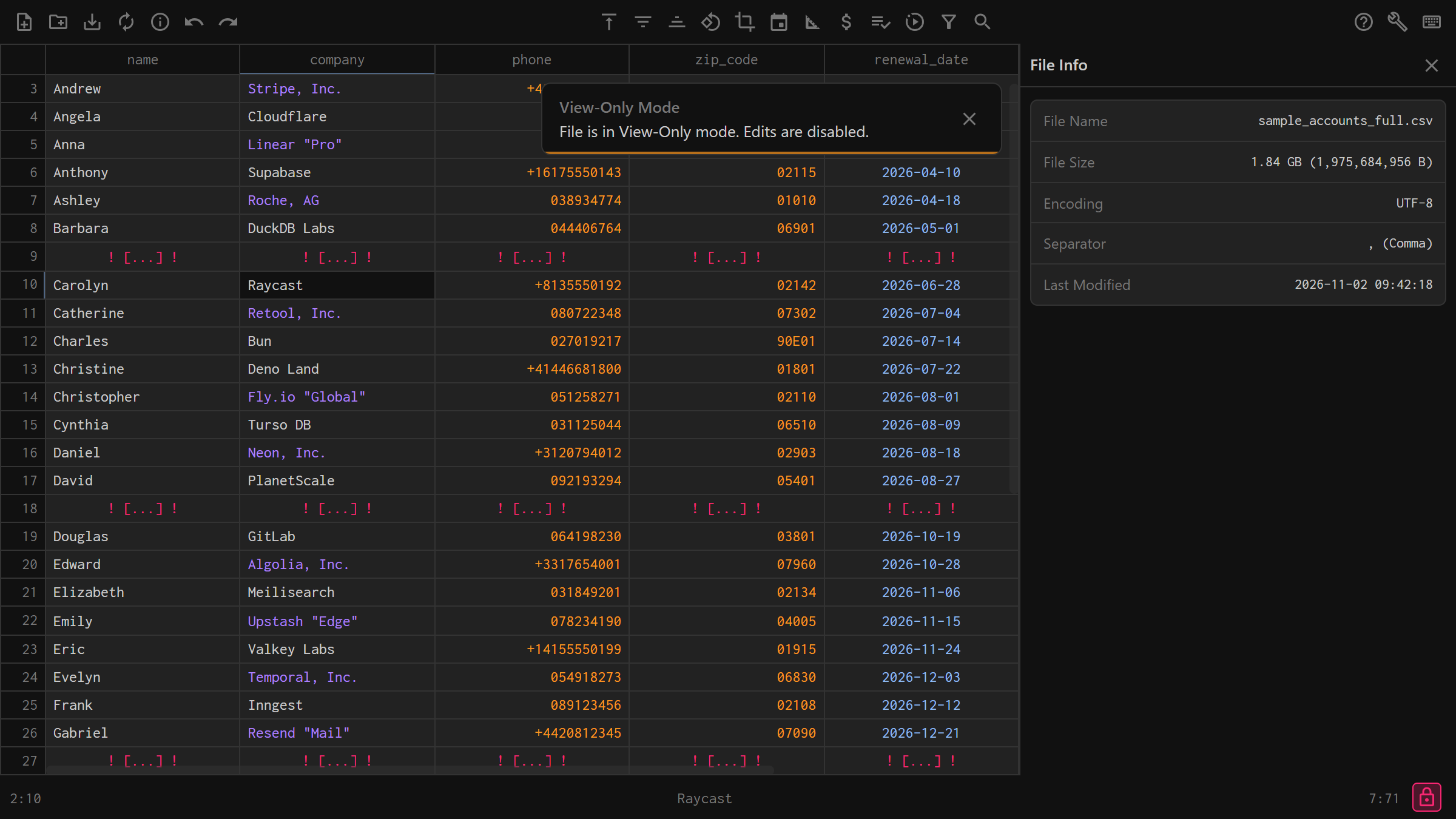 How to Open Large CSV Files Without Freezing (1M+ Rows & Multi-GB)
CSV files are a universal data table format, so why is it complicated to open them? NanoCell CSV provides a fast, verbatim, and lightweight solution—especially when previewing multi-gigabyte datasets.
Read article → Fix Garbled CSV Encoding (UTF-8) and Delimiters
Opening a CSV file only to see garbled characters like é and ü —or every column jammed into a single column A—is caused by encoding and delimiter mismatches. Here is how to fix both instantly in NanoCell CSV.
Read article →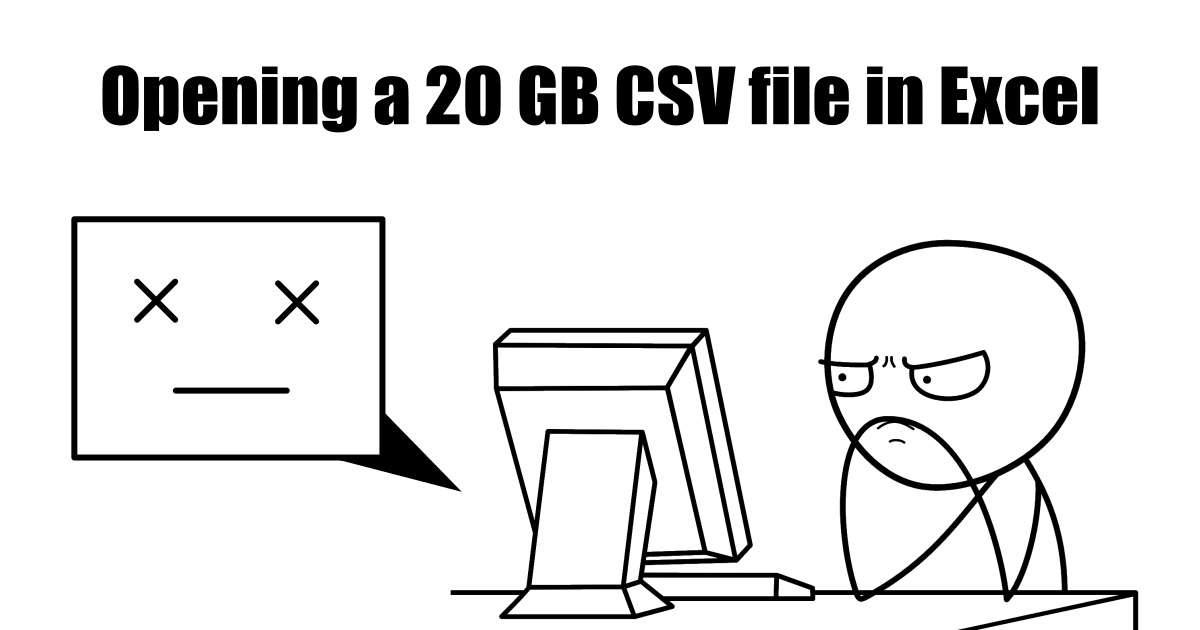 Why Spreadsheets Corrupt CSV Files (And Why Plain-Text Matters)
CSV files are the backbone of data exchange—simple, universal, and incredibly versatile. It's not flashy, it's not trendy, and yet it is everywhere. But if CSV files are so simple, important, and universal, why do they feel so painful to work with?
Read article →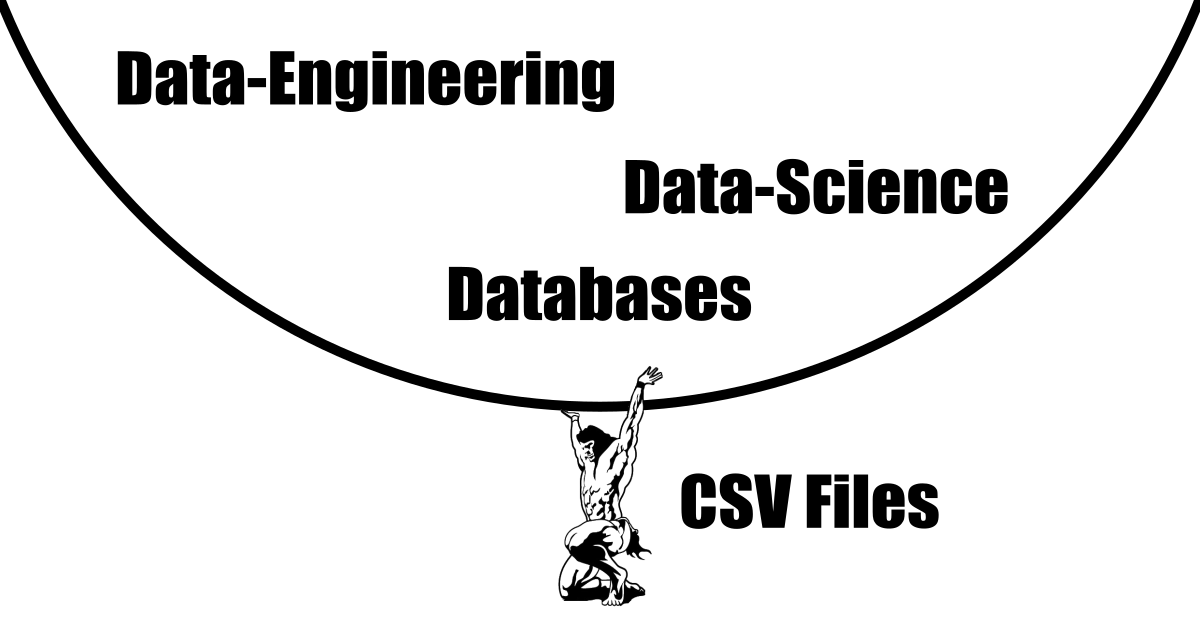 Free Offline CSV Editor & Validator for Developers (100% Local)
CSV files are universal, yet frustrating. NanoCell CSV fixes this with a free, fast, and privacy-first editor for verbatim table editing, one-click data sanitization, and instant multi-gigabyte file previews.
Read article →The Standard Essentials & Power Tools
Why Teams Switch to NanoCell for CSV Workflows
Purpose-built for raw delimited data where spreadsheets over-format and text editors under-structure.
| Capability | NanoCell CSV | Excel / LibreOffice Calc | Online Cloud CSV Editors | Raw Text Editors (VS Code) |
|---|---|---|---|---|
Preserves leading zeros & + signs verbatim |
✅ Always (100% Verbatim) | ❌ Silently strips / casts | ⚠️ Varies | ✅ Yes |
| RFC 4180 Compliance & Delimiter Guard | ✅ Visual warnings + Strict Save | ⚠️ Locale-dependent quirks | ⚠️ Varies | ❌ Easy to break column alignment |
| Opens 5 GB+ CSVs in milliseconds | ✅ O(1) Interval Sampling | ❌ Freezes / Truncates at 1M rows | ❌ Browser upload crashes | ⚠️ Slow / High RAM |
| 100% Offline & Zero Server Uploads | ✅ 100% Client-Side PWA | ✅ Local Desktop | ❌ Uploads data to cloud | ✅ Local Desktop |
| 1-Click SQL Header, Currency & Locale Cleaners | ✅ Built-in Validation Pane | ❌ Manual formulas required | ❌ Rare / Paid tiers | ❌ Manual regex required |
| Reusable Cleanup Macros | ✅ Built-in (Ctrl+Shift+M) | ⚠️ Complex VBA / Scripts | ❌ No | ❌ External scripts |
| Installs on Locked Corporate Laptops (No Admin) | ✅ 1-Click Browser/PWA | ❌ Requires IT license/install | ✅ Browser-based | ❌ Requires .exe installer |
Built in the Open for Data Experts Everywhere
NanoCell is free, open-source, and actively shaped by real-world CSV edge cases.


Star the repository on GitHub and share NanoCell with teammates tired of Excel corrupting their CSV exports.
Have a malformed CSV with wild escaping, odd encodings, or unusual delimiters? Open an issue on the GitHub issue tracker.
Need a new domain-specific sanitizer or export target? Suggest new transforms on GitHub Discussions & Issues.